January 16, 2024
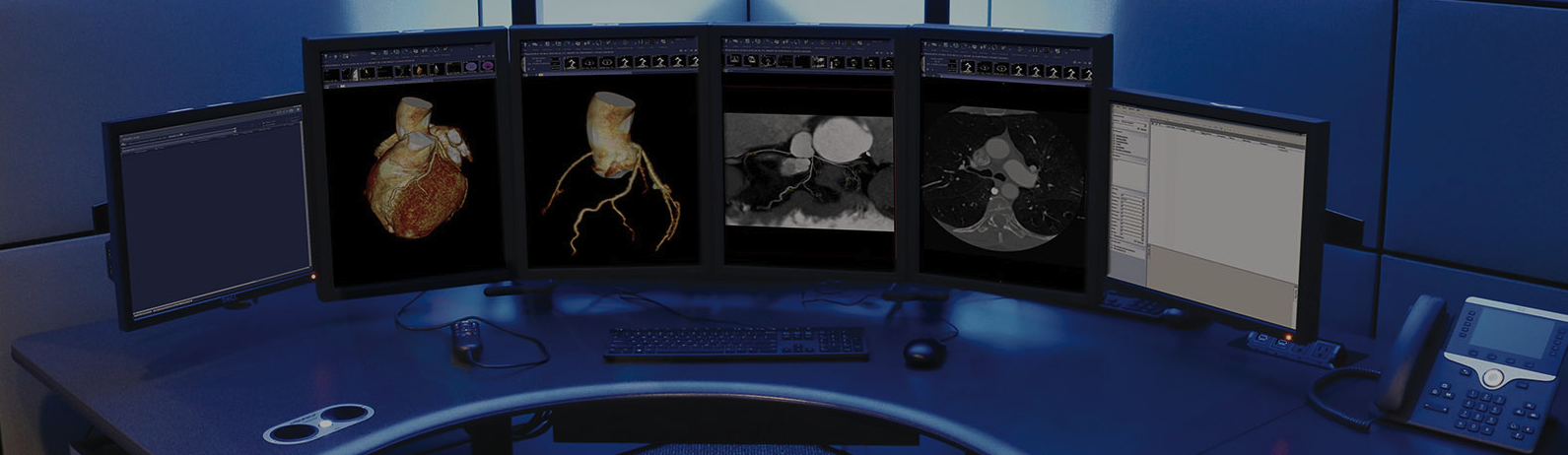
Ergonomic Workstations and Radiology Education
Greg Patrick
READ NOW

August 10, 2026

TL;DR: Design your SOC around the work your operators need to do. Alongside physical ergonomics, plan how they’ll find information, use displays, adjust shared workstations and review AI outputs. At RedRick, we recommend considering the console, software and operating procedures together, then testing the setup against real tasks.
If you’re planning a security operations center, there’s a lot to bring together. Physical security operators may need to interpret live video, access control events, alarms, analytics and communications while coordinating a response.
At RedRick, we believe security operations center design should start with that work: helping operators find what matters when several systems need attention. Adjustable desks, monitor mounts and seating remain essential. So does a clear plan for how information reaches the person using them.
That’s where cognitive design comes in. Cognitive workload is the mental effort required to notice, interpret and act on information. Cognitive design asks how your workstation, room layout and information displays can support that work. The aim is to remove unnecessary effort from the operator’s tasks.
In a modern SOC, the workstation is both a physical interface and an information interface. Monitor positions, sightlines, lighting and the placement of controls all deserve attention. Your operators need to reach the tools they use and see the information a task requires without repeatedly working around the layout.
Consider an access control alarm. An operator may need to locate the affected door, review the associated camera, speak with a colleague and record an action. Walk through that sequence as you plan. It helps determine which display belongs directly ahead, where communication devices should sit and how much usable surface space is needed.
More data does not automatically create better situational awareness. When every feed and notification competes for equal attention, your operator still has to work out what deserves action first. A larger video wall cannot resolve unclear priorities or fragmented procedures.
The UK Health and Safety Executive’s alarm management guidance offers a useful principle: alarms should be relevant, direct attention to conditions requiring action and have a defined response. Although written for process operations, this is a practical starting point for reviewing how a security team presents alerts.
Furniture cannot correct poorly configured alarms. We recommend reviewing console planning, software configuration and operating procedures together so that important information is visible and the next step is clear.
Start with the tasks your operators need to carry out. These six priorities connect physical ergonomics with the way information is used.
At RedRick, we approach workstation design around the person using it. Our security workstation options include adjustable work surfaces, ComfortView™ monitor height adjustment independent of the work surface, focal distance adjustment, cable management and custom configurations. These features give you ways to adapt the physical setup to your team and its tasks. Assess their value in the room and workflow where they’ll be used.
AI and analytics add another question to your planning: what must an operator understand before acting on a system’s output? When an application flags an event or recommends an action, your team needs a clear process for review, escalation and responsibility.
NIST’s AI Risk Management Framework 1.0 Appendix C emphasises defining human roles and oversight responsibilities, and notes that human-AI interaction results vary. For a SOC, the practical implication is to evaluate the combined workflow. Operators should be able to find the relevant context, understand what requires verification and know who can authorize the next action.
This makes display organisation and workstation access part of the same planning conversation as software and training. Adding automation should prompt a review of the operator’s work, including what happens when the system is uncertain or unavailable.
You plan carefully for uptime, redundancy and network resilience. The conditions in which people use those systems deserve similar attention. Your console specification should describe the tasks, users and operating conditions it needs to accommodate, as well as the equipment it must hold.
Involve operators from different shifts in layout reviews. Walk through routine monitoring, a busy incident and a handover. Look for blocked sightlines, awkward reaches, unclear alerts and tools that are difficult to find. Check whether each operator can adjust the station and continue the task comfortably. These observations provide a concrete basis for design decisions.
Whether you’re planning a new control room, upgrading consoles or standardising shared workstations, give cognitive design a place at the start of your project. Technology, furniture and procedures should work together around the people responsible for interpreting events and coordinating a response.
That is the broader direction explored by Steve Reinecke in his June Security Journal Americas article, Beyond ergonomics: the rise of cognitive design in security operations centers. The next step is practical: understand the operator’s work, then design the environment to support it.
Explore RedRick’s security workstation solutions to begin planning a setup around your team, equipment and operating requirements.
2025 © RedRick Technologies.
All Rights Reserved.
Web design & developed by Duco Media & Kick Ass Digital Media